
Capture current tab audio
Capture audio from the Chrome tab that is playing, without uploading a separate video file.
Chrome extension for video transcription
Capture speech from the video playing in your current tab and follow a timestamped transcript as the recording continues. There is no separate video file to upload.
Add to ChromeRequires Chrome 141 or newer.
Open Video Transcription in the Chrome Web Store and select “Add to Chrome.”
Add to ChromeOpen YouTube or another regular website in Chrome, then start the video you want to transcribe.
Open the extension side panel and select “Transcript current tab.”
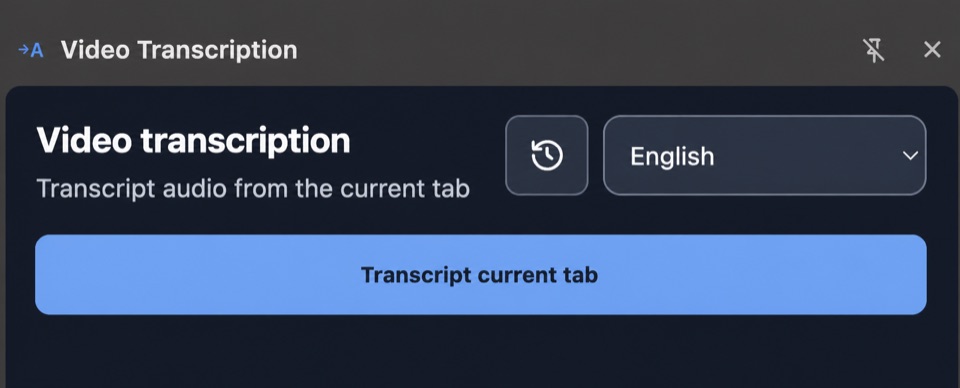
Capture audio from the Chrome tab that is playing, without uploading a separate video file.
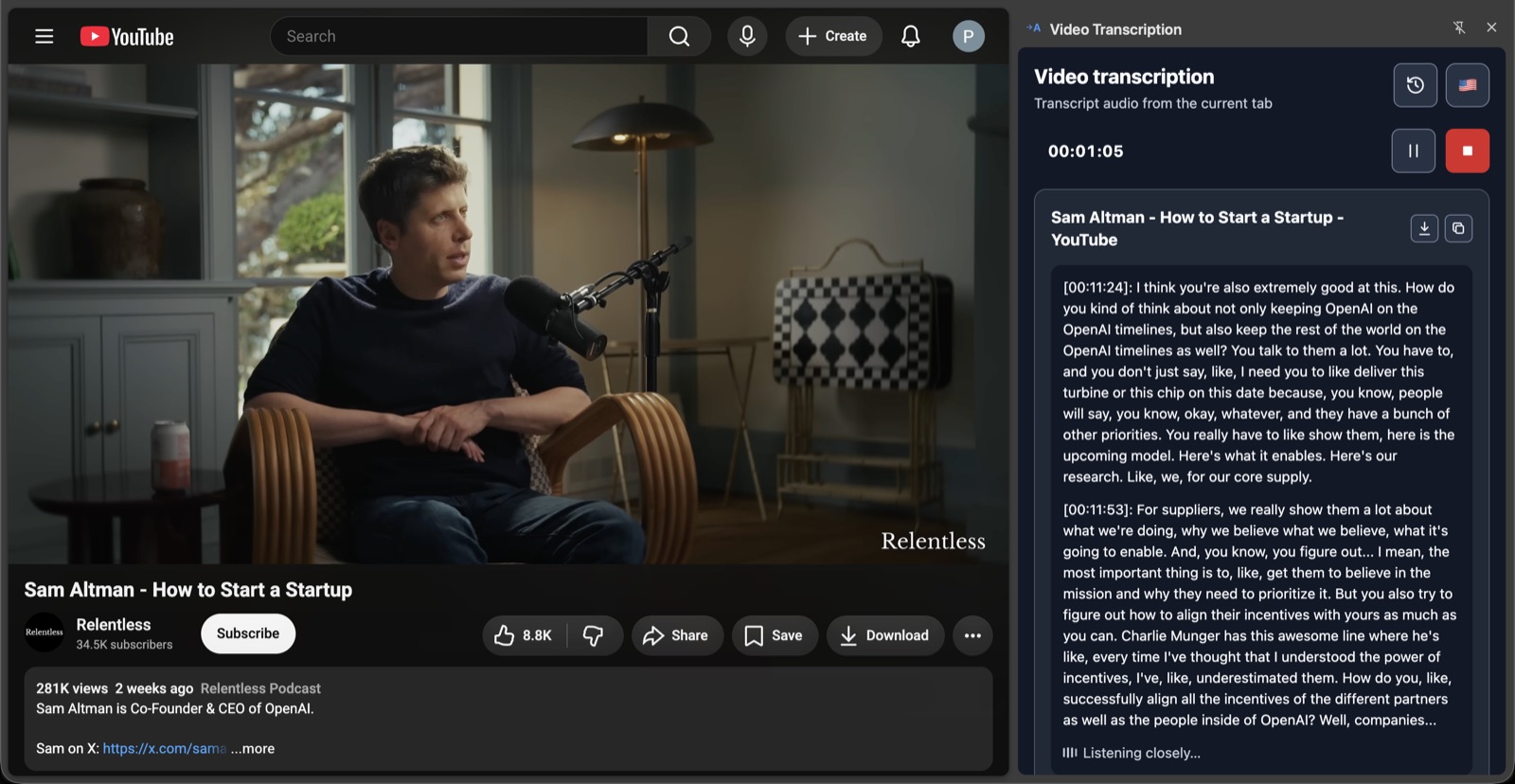
Read timestamped transcript segments in the side panel as the recording continues.
The transcription language is detected automatically from the audio. There is no transcription language to select before you start.
Completed transcripts are kept in local history on this Chrome installation. Copy them or export them as Markdown or plain text, with or without timestamps.
The Chrome side panel shows timestamped text beside the page playing the video. New segments appear as the recording continues.
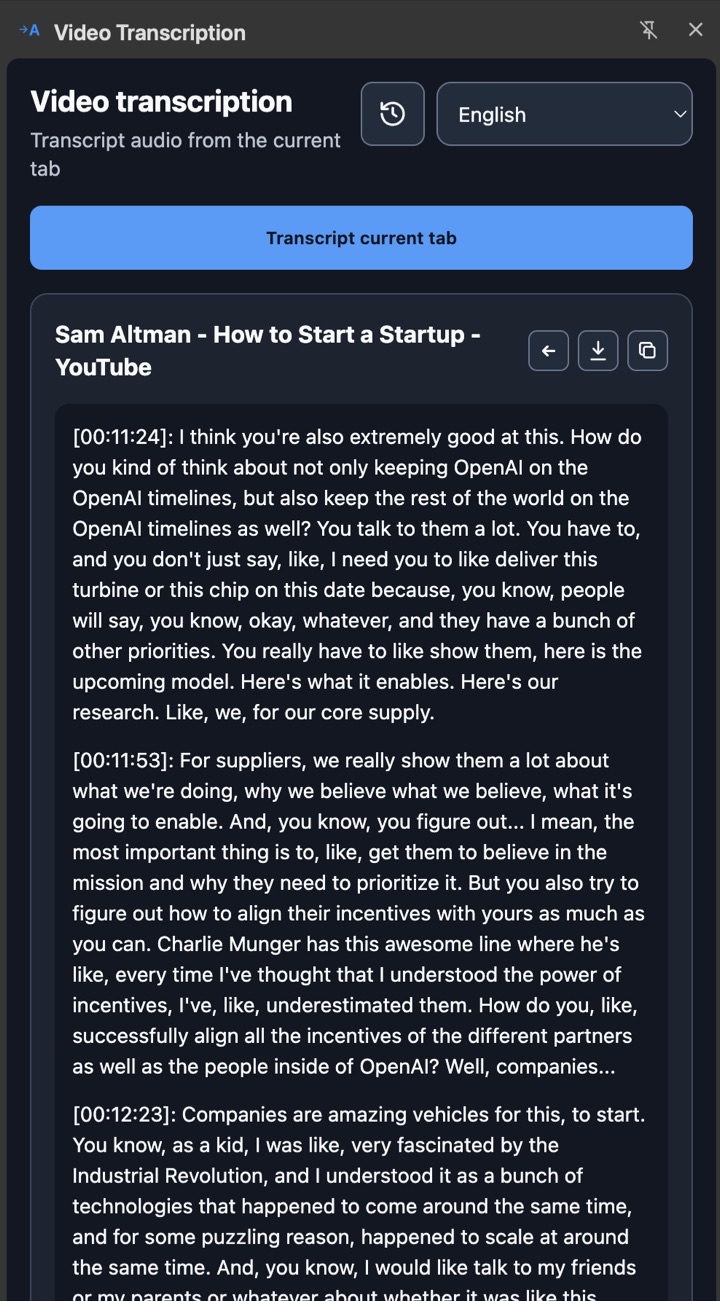
No separate upload is needed. Start the video in a Chrome tab, then select “Transcript current tab” in the extension.
Yes. YouTube and other regular website tabs are supported when Chrome can capture the audio playing in the current tab. The extension does not work on every website.
Chrome 141 or newer is required.
Completed transcripts are saved in local history for this Chrome installation. You can copy or export them as Markdown or plain text, with or without timestamps.
Read the current Privacy policy.
Open a video in Chrome, start Video Transcription, and follow the timestamped transcript in the side panel.
Add to Chrome