Free Chrome extension · No registration
Transcribe online courses and lectures to text
Turn spoken explanations from an online course or lecture into timestamped text while you watch in Chrome. Keep a transcript to revisit difficult passages and build your study notes.
Add to Chrome52 transcription languages, detected automatically. Chrome 141+.
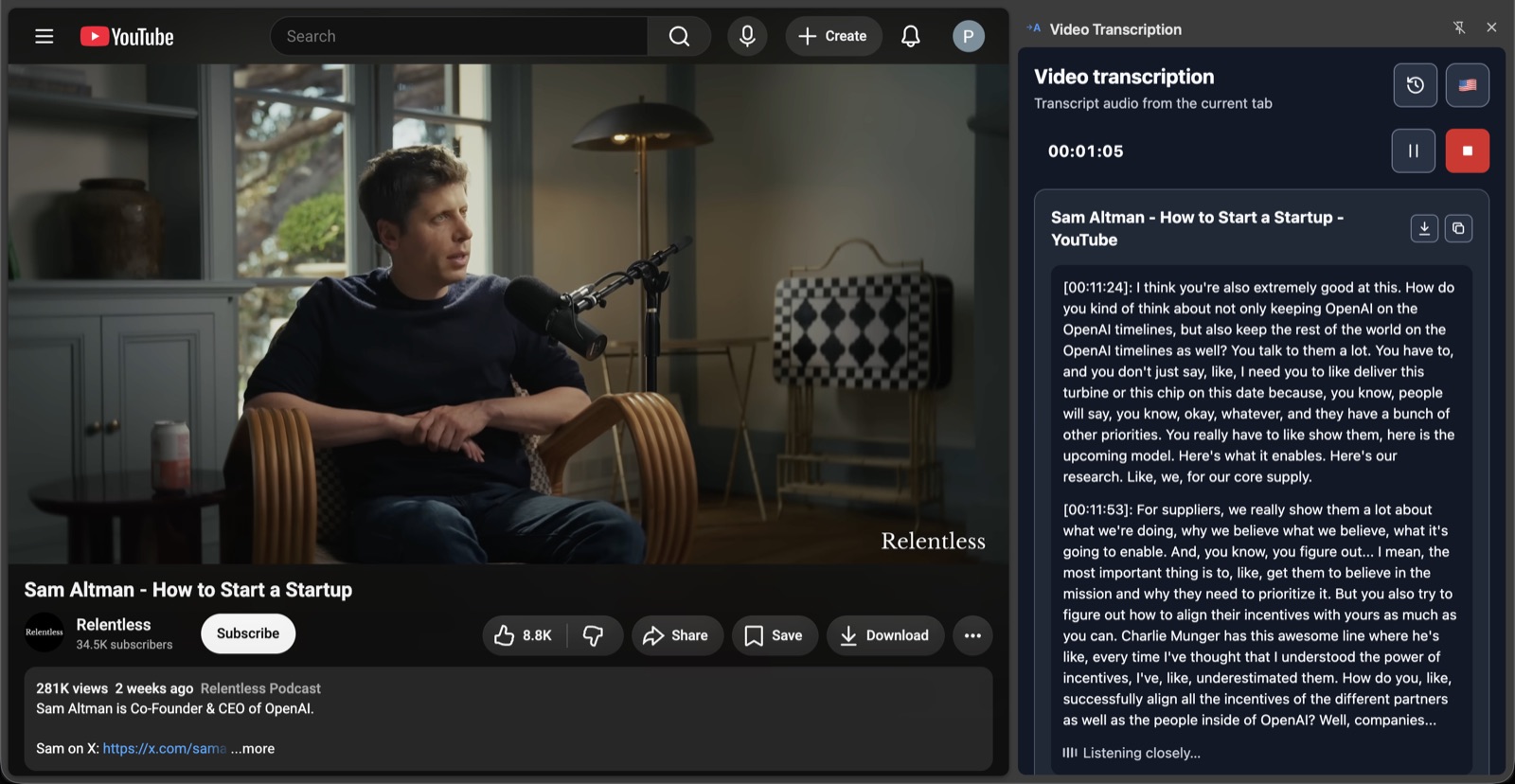
Keep the explanation alongside your notes
Slides often leave out the examples and explanations a lecturer gives aloud. A transcript keeps those words available after the lesson, so you can read a passage again while reviewing the material.
Video Transcription recognizes speech from the audio playing in your Chrome tab. The course does not need to provide subtitles or a downloadable transcript, and you do not need to download the video first.
How to transcribe an online lecture
-
Add the extension to Chrome
Open Video Transcription in the Chrome Web Store and select “Add to Chrome.”
Add to Chrome -
Open and play the lesson
Open your course or lecture in a Chrome tab. Play the lesson from the beginning, or from the passage you want to keep.
-
Start transcription
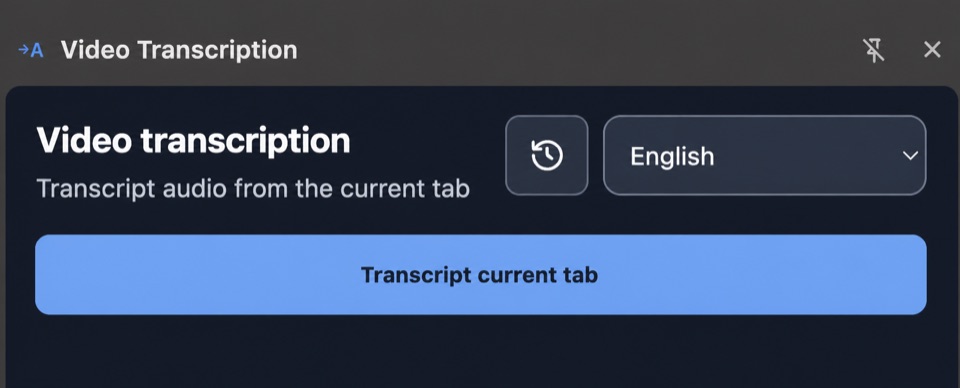
Open the extension side panel and select “Transcript current tab.” Keep the video playing as timestamped text appears.
Turn a lecture transcript into study notes
After the lesson, read through the transcript and select the explanations, definitions and examples you want to keep. Add them to your notes alongside your own questions and observations.
Copy a passage or export the transcript as Markdown or TXT, with or without timestamps. Completed transcripts stay in your local Chrome history, so you can return to them while studying.
Course and lecture transcription FAQ
Can I transcribe a course without subtitles?
Yes. The extension creates a transcript from speech playing in the Chrome tab. It does not rely on subtitles or a transcript provided by the course.
Is it free, and do I need an account?
The extension is free and does not require registration. Access to the course itself is managed by its provider.
Do I need to play the entire lecture?
The extension transcribes the audio you play while recording. For a full lecture, start at the beginning and keep it playing. For a single explanation, start and stop around the passage you need.
Which languages does it support?
It supports 52 transcription languages and detects the spoken language automatically. You do not need to select a language before starting.
Can I export the transcript for my study notes?
Yes. Copy or export the transcript as Markdown or plain text, with or without timestamps. Completed transcripts are also saved in your local Chrome history.
Can I transcribe a lecture on YouTube?
Yes. Play the lecture in Chrome and start transcription from the side panel. See the guide to YouTube transcription without captions.
Keep a transcript of your next lesson
Add Video Transcription to Chrome, play your lesson and start transcription from the side panel.
Add to Chrome